Auto Attendant Article
Text-to-Speech or Recorded Voice for Your Phone Menu?
Recorded voice or text-to-speech for a business phone menu: what research and vendor docs say, when each fits, and how to make either sound clear on calls.
Summary
- 01Choose text-to-speech for menus that change often, holiday notices and multilingual prompts. Editing text makes it easier to keep information current.
- 02Recorded voice suits a stable menu, a familiar brand voice or names that text-to-speech keeps mispronouncing, provided someone owns future updates.
- 03Short messages, clear pacing and accurate information matter more than audio polish. The telephone network transcodes the audio callers hear.
- 04Text-to-speech reads the language you supply; it does not translate. Bilingual menus still need scripts written natively in each language.
- 05The cited listening study found generic AI voices were often recognisable as synthetic, but did not measure reactions to real business phone menus.
Inside this article
The short answer
Every phone menu needs a voice, and there are two ways to get one. You can record a person reading the script, or you can type the script and let a text-to-speech (TTS) engine read it. Mainstream business phone systems usually offer both. Microsoft's Teams documentation, for example, says auto attendant menu prompts "can be created by using text-to-speech (system-generated prompts) or by uploading a recorded audio file" [1].
For most small businesses the choice comes down to this:
- Recorded voice suits a menu that rarely changes, when you have a good speaker, a quiet room and the patience to re-record every time something changes.
- Text-to-speech suits a menu that changes often (holiday closures, new staff, new hours), menus in more than one language, and owners who would rather edit a sentence than book a recording session.
What callers actually notice is less the technology than three things: whether the message is short, whether it is clear on a phone line, and whether it is still accurate. A crisp synthetic prompt that says the right hours beats a warm human recording that still mentions last year's holiday hours.
The rest of this guide covers what the evidence says, when each option fits, and how to make either one sound good on a phone call.
What the guidance and research say
Usability guidance favours a human voice
The Nielsen Norman Group's 16 usability guidelines for phone-tree systems (Tanner Kohler, August 2022) include, as guideline 15, "Use a recorded human voice." The reasoning: most callers want to reach a live person, a real voice is "more personable and approachable," and "it takes very little extra time for someone to record themselves reading the script" [2].
That guideline was written in 2022. Synthetic voices have changed quickly since, so treat it as a sensible default, not a settled verdict.
Modern synthetic voices are getting harder to spot
A peer-reviewed study published in PLoS One on 24 September 2025 tested how real AI-generated voices sound to listeners [3]. Each experiment had 50 UK-resident native English speakers rating short single-sentence clips. The findings that matter for a phone menu:
| Voice type in the study | Labelled "human" by listeners |
|---|---|
| Real human voices | 62% to 81%, depending on the experiment |
| Clones of a specific person's voice | 58% to 70%, about the same as real voices |
| Generic AI voices designed from scratch | 39% to 41%, significantly less often than real voices |
Source: Lavan et al., 2025.
Two more findings: generic AI voices were rated as more dominant than human voices, and in one experiment as slightly more trustworthy (57.9 versus 53.8 on a 100-point scale). The authors are clear about limits. The voices were unfamiliar to listeners, the clips were one sentence, the experiments were not pre-registered, and the results "do not necessarily reflect the ceiling" of what listeners can detect [3].
For a business, the practical reading is:
- A standard, off-the-shelf TTS voice (the kind phone systems use) is still often recognisable as synthetic.
- Being recognisable is not the same as being disliked. The study did not find that listeners rated generic AI voices as less trustworthy.
- No study we found measured how callers react to a TTS phone menu versus a recorded one in a real business call. Anyone who claims a precise conversion or hang-up difference is guessing.
The phone line is the great equaliser
Whatever you record, the caller hears it through a telephone network. Twilio's documentation for playing audio on calls is blunt: "Audio played over the telephone network is transcoded to a format the telephone network understands," and "regardless of the quality of the file you provide us, we will transcode so it plays correctly." It adds that high-bitrate files such as 128 kbps MP3s may sound worse after transcoding than lossless 8 kbps formats [4].
So a studio-quality recording loses much of its polish on the way to the caller, and a clean TTS voice loses much less than you might expect. Clarity (pace, pauses, plain words) matters more than audio fidelity.
Side-by-side comparison
| Factor | Recorded human voice | Text-to-speech |
|---|---|---|
| First impression | Warmer, more personal (NN/g guidance) | Neutral; a generic voice is often recognisable as synthetic |
| Time to change one sentence | Re-record, re-export, re-upload; voice must match the rest | Edit the text and save |
| Holiday and closure messages | A new recording each time | Type the dates |
| Second or third language | Need a fluent speaker for each | Pick a voice for each language; you must still write the text in that language |
| Consistency across prompts | Hard if different people or sessions record | Same voice every time |
| Pronunciation of your business name | Exactly right | May need respelling or markup |
| Risk of going stale | High: people delay re-recording | Lower: edits take seconds |
| Typical cost drivers | Speaker time, quiet room, optional paid voice talent | Usually included in the phone service |
On the language point, Microsoft notes that with text-to-speech "the text must be entered in the selected language as the system doesn't perform translation" [5]. A TTS voice reads; it does not translate.
- Change a sentence by editing the text and saving.
- Keep the same voice across welcome, menu and closure prompts.
- Choose a voice for each language, with a script written in that language.
- Business names may need phonetic respelling or markup.
- Fits menus with the same options and hours for a year or more.
- Suits businesses where a familiar voice is part of the brand.
- Needs a good speaker, a quiet room and someone responsible for updates.
- Each changed sentence requires recording, exporting and uploading again.
Both approaches need short, clear and accurate prompts. Test the whole call before going live.
No study we found measured how callers react to a TTS phone menu versus a recorded one in a real business call. Anyone who claims a precise conversion or hang-up difference is guessing.
When text-to-speech is the better call
Pick TTS when any of these is true:
- Your menu changes more than a few times a year. Staff changes, new services, seasonal hours, and holiday closures all mean edits. If a re-recording would wait until "someone has time," the recording will be wrong for weeks.
- You publish holiday or closure messages. Each closure is a new sentence with specific dates. With TTS you type "We are closed Friday, December 24 and reopen Monday, December 27 at 9 a.m." and you are done.
- You run a bilingual or multilingual menu. Common TTS platforms cover both Canadian English and Canadian French. Microsoft lists English (Canada) and French (Canada) among its auto attendant TTS languages [5], and Twilio lists several French (Canada) voices, including neural ones [6]. Finding a fluent speaker for each language, and keeping all versions in sync, is the hard part of a recorded multilingual menu.
- Nobody on the team enjoys being recorded. A hesitant, rushed recording is worse than a steady synthetic voice.
- You want consistency. Every prompt (welcome, options, closed message, voicemail instruction) sounds like it came from the same place.
Twilio describes its "neural" voices as producing "higher-quality and more natural-sounding voices than Standard voices" [6]. If your provider offers a choice between standard and neural voices, try the neural option first.
When a recorded voice is worth the effort
Record a person when:
- The menu is stable: the same options and hours for a year or more.
- The voice is part of the brand: a family business where callers know the owner, a studio, a hospitality business.
- Your business name or key terms are hard to pronounce and the TTS engine keeps getting them wrong even after respelling.
- You have a good speaker and a quiet room, and someone will own re-recording when things change.
Check your provider's file rules before recording. Microsoft Teams, for instance, accepts WAV, MP3 and (until 1 November 2026) WMA, with a 5 MB size cap per file [5]. Other systems differ, and some accept no uploads at all.
Mixing both
Many businesses get the best of both by recording the welcome (which rarely changes) and using TTS for the parts that do (hours, closure notices). The risk is a jarring switch between a human and a synthetic voice mid-call. If you mix, keep the human part short, and test the whole call end to end to hear how the hand-off sounds.
How to make text-to-speech sound better
Most TTS problems are writing problems. The engine reads exactly what you type, so write for the ear.
Writing rules
- Short sentences. One idea per sentence. Long sentences make synthetic voices sound flat.
- Destination first, key second. NN/g guideline 14: "The information offered by an option should always be presented first, followed by the selection number" [2]. Write "For billing, press 2," not "Press 2 for billing."
- Write numbers the way you want them said. "Nine a.m. to five p.m." or "9 a.m. to 5 p.m." usually works; "0900-1700" often does not. Write phone numbers in groups: "five five five, two one two..." if the engine reads digits as one large number.
- Spell out abbreviations. "Suite" not "Ste.", "Saint" or "Street" rather than "St.", "Monday through Friday" not "M-F".
- Use punctuation for pauses. A comma gives a short pause; a full stop gives a longer one. Put a full stop after each option.
- Respell names phonetically if needed. If "Nguyen Dental" comes out wrong, try a respelling and listen again. Some systems have a separate "pronounce as" field for this.
- Slow down for details. NN/g suggests presenting technical information "twice as slowly as a normal speaking rate" [2]. For TTS, that means more full stops around numbers and addresses.
- Keep it short. NN/g recommends being concise and limiting each menu to four or five distinct choices [2].
SSML, if your system supports it
Speech Synthesis Markup Language (SSML) 1.1 is a W3C Recommendation dated 7 September 2010, used to control synthetic speech [7]. If your phone platform accepts it, the most useful elements are:
| Element | What it does (per the W3C spec) | Typical use in a menu |
|---|---|---|
<break> | Inserts a pause, set by time (seconds or milliseconds) or strength | A half-second pause between options |
<prosody rate="..."> | Changes speaking speed; "200%" is twice the default | Slowing down a phone number or address |
<emphasis> | Speaks the enclosed text with more stress | Stressing "closed" in a closure message |
<phoneme> | Gives an exact phonetic pronunciation | A tricky business or street name |
<say-as> | Tells the engine what kind of text it is; the spec defines the element, while the values are left to vendors | Dates, digits, spelled-out codes |
Source: W3C SSML 1.1. Many small-business systems do not accept SSML. In that case, punctuation and respelling do most of the same work.
Example: before and after
Before (written for the eye):
Thank you for calling Smith & Co. CPA. Our hrs are M-F 9-5. Press 1 for tax prep, 2 for bookkeeping, 3 for billing, 0 for reception.
After (written for the ear):
Thank you for calling Smith and Company, chartered accountants. We are open Monday to Friday, nine a.m. to five p.m. For tax returns, press 1. For bookkeeping, press 2. For billing, press 3. To reach reception, press 0.
The second version is longer by a few words but far easier to follow, whatever voice reads it.
How to record your own prompts well
If you go with a recording, these practical steps make the difference between "homemade" and "professional":
- Write the final script first and read it aloud to a colleague. Fix anything they stumble on. Our phone menu script library has tested wording for common business types.
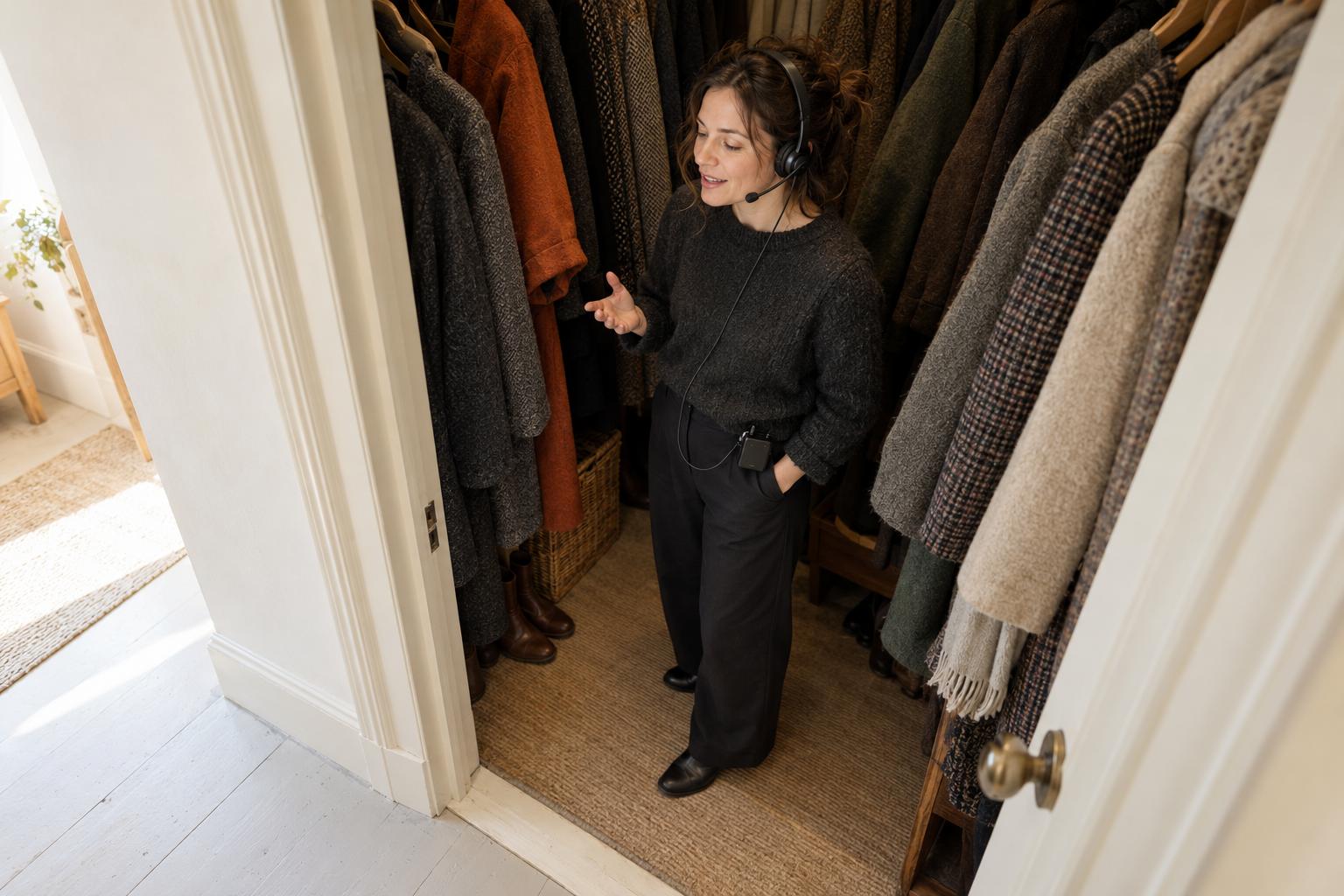
- Pick the room. A small room with soft surfaces (a closet of coats, a carpeted office) beats a large echoing one. Turn off fans and close the windows.
- Use a decent headset or USB microphone, about a hand's width from your mouth, slightly off to the side to avoid breath noise.
- Record each prompt as a separate file: welcome, menu, closed message, voicemail instruction. You can then re-record one without redoing all.
- Leave half a second of silence at the start and end of each file so nothing gets clipped.
- Speak slower than feels natural, and smile while you talk; it carries in the voice.
- Export in a format your system accepts (often WAV or MP3) and check the file size limit.
- Call the number from a mobile and a landline and listen. Remember that the phone network will transcode it [4].
- Name an owner and a review date. Recordings go stale when nobody is responsible for them.
- 01Finalise the script
Read the final script aloud to a colleague and fix anything they stumble on.
- 02Prepare the room and microphone
Use a small room with soft surfaces. Turn off fans, close windows and place a headset or USB microphone slightly to the side of your mouth.
- 03Record separate prompts
Save each prompt separately, leave half a second of silence at each end and speak slower than feels natural.
- 04Export for your system
Use a format your system accepts and check its file size limit.
- 05Listen on real calls
Call from a mobile and a landline to hear how the prompts sound through the telephone network.
- 06Assign upkeep
Name an owner and a review date so someone is responsible for keeping recordings current.
Bilingual menus in Canada
A bilingual English-French menu doubles the work of a recorded menu: two speakers (or one fully bilingual one), two scripts, and two sets of re-recordings at every change. That is often the deciding factor for TTS in Canada.
Practical points:
- Write each language natively; do not paste a machine translation into the French voice. TTS systems do not translate for you [8].
- Choose a Canadian French voice (fr-CA), not a France French one, for Quebec callers [6].
- Keep the language choice short and first, so a caller does not sit through a full menu in the wrong language. Our guide to the bilingual auto attendant menu covers layouts and wording.
Decision checklist
Answer each question; if most answers fall in the right-hand column, use TTS.
| Question | Favours recording | Favours TTS |
|---|---|---|
| How often does the menu or hours change? | Once a year or less | Several times a year |
| Do you post holiday or closure notices? | Rarely | Yes, every holiday |
| How many languages? | One | Two or more |
| Is there a confident speaker and a quiet room? | Yes | No |
| Who updates the menu? | A dedicated person | Whoever is free |
| Is a familiar voice part of your brand? | Yes | No |
Whichever you choose, test the whole call before going live: call from a mobile, listen to each option, the closed message and the voicemail instruction, and fix anything that sounds unclear. The call flow templates include scripts you can adapt for either approach.
FAQ
Will callers know it is a robot? Often, yes, with a standard voice. In the 2025 PLoS One study, generic AI voices were labelled human only 39% to 41% of the time, against 62% to 81% for real voices [3]. But a menu is an obviously automated step anyway; callers care more about whether it is short and gets them to a person.
Can I clone my own voice for the menu? The same study found clones of a real voice were judged about as real as the original [3]. Few small-business phone systems offer this, and cloning a voice should only ever be done with the speaker's consent.
How long should a prompt be? As short as possible while still clear. Keep the menu to four or five choices [2], and put the most common reason for calling first. Some systems also cap the text length; Microsoft allows up to 1,000 characters per greeting [5].
Does audio quality matter if I record? Less than you think. The phone network transcodes whatever you upload [4]. A quiet room and a steady pace matter more than an expensive microphone.
Should the voice be male or female? No source we checked supports one over the other for business menus. Pick the voice that reads your script most clearly, and use the same one throughout.
Auto Attendant menus use text-to-speech in English, French and Spanish, so a closure notice or a new option is a text edit, not a re-recording.
External Sources (8)
Published by
Auto Attendant Editorial
Auto Attendant gives a small business one phone number and a recorded menu that sends each caller to the right person's mobile, for a flat $29 a month per business line, whatever the size of the team.
Editorial note
Researched and written by Auto Attendant Editorial with AI-assisted research tools; sources are cited inline and checked before publication. Report an error: https://autoattendant.io/contact/.