Business phone numbers for the US and Canada
Your company needs a phone number, not a phone system.
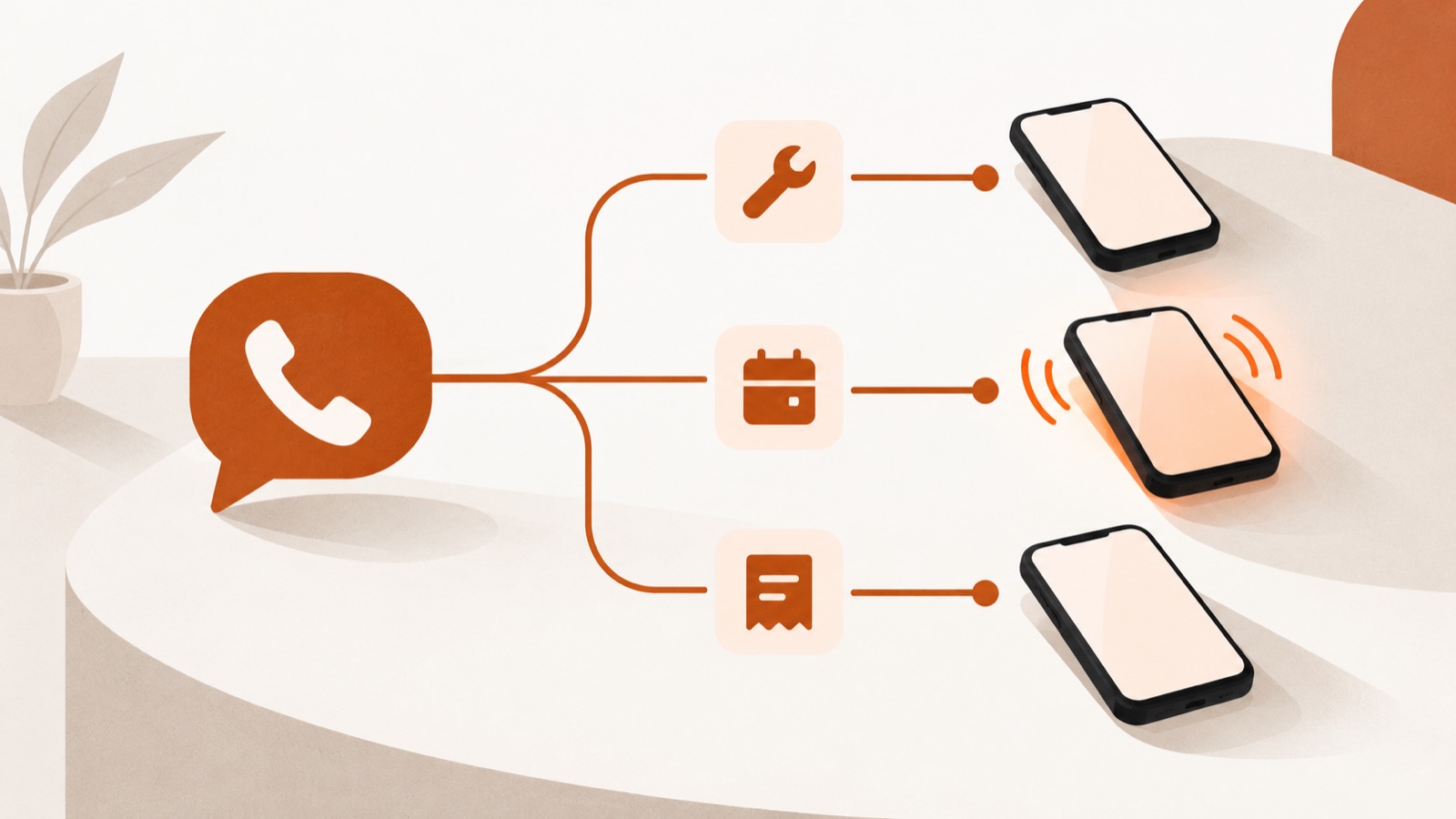
One business number with a simple menu. Callers pick who they need, it rings that person's mobile, and your personal number stays off your website, your invoices and the side of your truck.
Or call our own line: (510) 288-6288 · (510) AUTO-ATT — it runs on Auto Attendant.
- $29
- a month per business line, whatever the size of the team
- 7
- menu options, each ringing up to three phones in turn
- 2 countries
- local and toll-free numbers across the United States and Canada
- 3 languages
- menus in English, French and Spanish, up to all three on one line
From sign-up to the first call, in four steps.
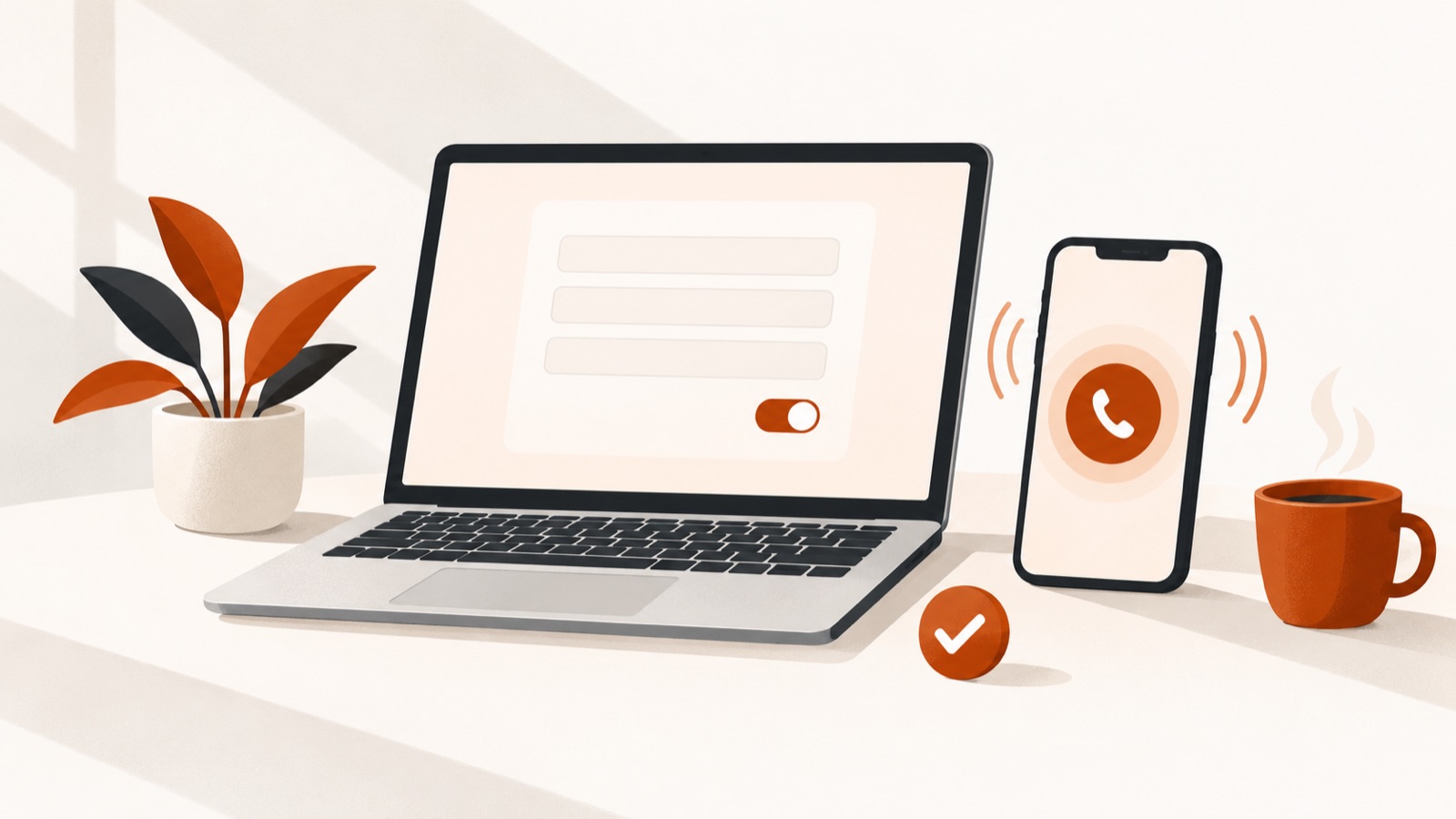
Everything happens in the app, and you can call your new line from your own phone as soon as it is live.
Sign up
Enter your email, business name and country, then sign in with the link we email you. No password to remember.
Keep your number
Enter the number your customers call today and the app moves it for you, or get a new local or toll-free number instead.
Build the menu
Type the greeting, in English, French, Spanish or any mix. Up to seven options: ring up to three phones in turn, take a voicemail or play a message. Or skip the menu entirely.
Pay and go live
Pay $29 a month online. A new number goes live as soon as payment completes; a number you bring is not charged until it has moved. Callers press a key and the right person's mobile rings.
Get started How it works in detail
Before you start: which area code to pick, menu scripts you can copy for six kinds of small business, and how an auto attendant compares with ring groups and call queues. Or read the whole small-team setup overview.
What your callers hear.
A fictional plumbing company with three options. Each option rings one person's own mobile; nobody's personal number is shown to the caller.
Example call flow (fictional business)
rings his mobile
rings her mobile
rings the office mobile
Mike, Dana and the office keep using the phones already in their pockets. None of their numbers is ever shown to the caller, and none of them installs anything.
Built for businesses on both sides of the border.
The same number, menu and price whether your business is in Ohio or Ontario. Serving Canada covers the Canadian details, and the core pages are also en français.
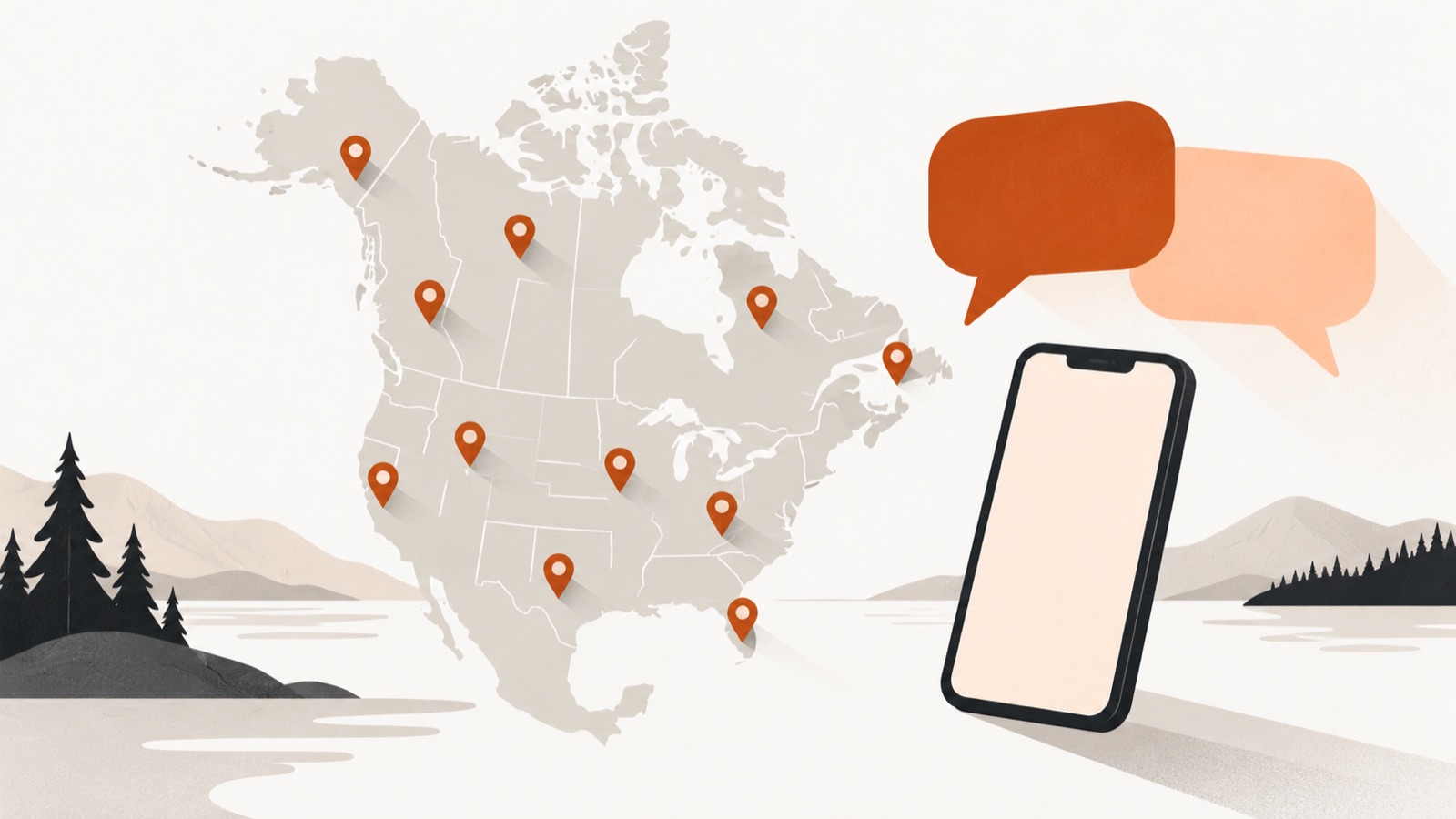
A number in every state and province
A local number in the area code your customers recognise, in US states and Canadian provinces (availability varies by area code; you see what is in stock before you pick), or a toll-free number on the 800-series codes the two countries share. Area codes by state and province.
English, French and Spanish
The menu can be in English, French or Spanish, or in up to all three on one line. Callers pick their language first, or with a key at the end of the menu, and callers from Quebec area codes start in French. The customer app is in all three languages too. How multilingual menus work.
One price, in US dollars
$29 a month is the same in both countries and billed in US dollars. Team mobiles can be on any US or Canadian carrier. Whether sales tax is added is confirmed before the first charge.
Where this fits
What you are probably using now.
Most small businesses are stuck between a personal mobile, a free Google Voice line and a per-user phone platform, whether that is Google Workspace Voice or a contact-centre product. None of these is shaped like a small team sharing one number. The Google Voice comparison cites every figure to Google.
| autoattendant.io | Your personal cell | Google Voice (free, personal) | Google Workspace Voice Standard | RingCentral, Nextiva | |
|---|---|---|---|---|---|
| A real business number | Yes | No | Personal use | Yes | Yes |
| Menu that routes the caller | Yes | No | No | Yes | Yes |
| Ring several people | In turn: up to 3 phones, one after another | No | No | Yes | Yes |
| Anything to install | Nothing | Nothing | See vendor | Desk phone support documented | App or desk phone |
| Charged per person | No | — | Free | Per licence | Per seat |
| Typical monthly cost | $29 flat | — | $0 | $20 per user, plus a Workspace subscription | $20 to $35 per seat |
Scroll the table sideways to see every column.
Weighing the options: Google Voice alternatives for business, and one business number versus a direct line for everyone.
One price, for the whole company.
For the whole company, not per person. US dollars, taxes not included.
- One local or toll-free business number, US or Canada
- Auto attendant menu with up to seven options
- Each option rings up to three phones in turn, takes a voicemail or plays a message
- No per-person charge: each option can ring a different person's phone
- Business hours by day, with a closed message outside them
- Voicemail by email, recording attached, with a transcript
- A dashboard with your calls, voicemails and menu history
- Keep your existing number: porting in the app, not charged until it has moved
- Cancel any month, no contract, no notice period
No contract. You pay online at the end of setup, and a new number goes live as soon as payment completes. A number you bring with you is not charged until it has moved.

Questions
The things people ask first.
What is an auto attendant?
An auto attendant is the recorded menu that answers a business line and sends the caller where they need to go. It is the "press 1 for sales, press 2 for service" you have heard a thousand times. The industry also calls it an automated attendant, a virtual receptionist or a phone tree.
Traditionally it was a feature buried inside an expensive office phone system. Here you get it on its own: one business number, the menu and your team's own mobiles, for $29 a month.
Do I need a desk phone, an app, or new hardware?
No. Everyone on your team keeps using the phone already in their pocket, with their normal dialler and their normal mobile plan. Nobody on the team installs anything, logs into anything or charges anything overnight. Calls arrive as ordinary incoming calls.
Can I keep the number I already have?
Yes, and it is the default path. After you sign in, the app asks which number your customers call today, checks it instantly and asks only what that number needs; the one signature is a transfer authorization, signed online. Nothing is charged until the number has moved, and your old line keeps working the whole time, so do not cancel it until we confirm the move. The carriers set the date. For the rules, see porting your existing number.
Will my personal mobile number show up to callers?
No. Callers dial your business number and that is the only number involved on their side. Your mobile number is never displayed, never published and never given out. That is the main reason most people buy this: you can put a number on your website, your van and your Google Business Profile without handing your personal line to the entire internet. When a call is forwarded to you, your phone shows the business number, so you know it is a business call.
If a number you already use for the business is being labelled Spam Likely when you call customers, this diagnostic guide explains why and lists the free ways to get it corrected.
How many people can it ring?
The menu has up to seven options and each option can ring up to three phones one after another, each for 10 to 60 seconds: the employee for 20 seconds, then the owner, for example. If nobody answers, the caller leaves a voicemail. You are not billed per person. It never rings several phones at once.
How many people you ring and how many calls can arrive at once are different questions; this worksheet sizes the second one.
What happens after hours?
You set business hours for each day. Outside them, and all day on the holidays you set, callers hear your closed message, then either leave a voicemail or the call ends after the message. Calls are not forwarded to a mobile after hours. Voicemails arrive in your inbox as a recording, with a written transcript.
Planning night cover for a trade? An on-call plan sets out what it involves. Missed calls and after hours covers what an unanswered call costs and the options for covering one.
Is this an answering service?
No. With an auto attendant your callers reach your own team: the menu routes each call and the right person picks it up on their own mobile, so customers talk to the people who know the work. Auto attendant vs answering service sets out the difference.
How is this different from Google Voice?
Google Voice is two things. The free plan is for personal, consumer use and has no attendant menu. Google Workspace Voice Standard and Premier do include an auto attendant and ring groups, and they are billed per licence on top of a Workspace subscription.
Auto Attendant is built for a team that shares one number and should not pay per person: a menu, ringing the right mobiles, $29 flat. The Google Voice comparison sets the two side by side.
Do you serve businesses in Canada?
Yes. The service is for businesses in both the United States and Canada, with local numbers by area code across Canada (availability varies), toll-free numbers, and porting of an existing Canadian number. The price is the same $29 a month, billed in US dollars. Serving Canada covers 9-1-1, porting, privacy and billing for Canadian customers.
Can the menu be in French or Spanish?
Yes, and in Spanish too. The greeting and menu can be in English, French and Spanish, up to all three on one line. Callers choose a language first ("For English, press 1. Para español, oprima el 2."), or with a key at the end of the menu (7 Spanish, 8 French, 9 English), and callers from Quebec area codes still start in French. Multilingual menus explains the layout, and you can read this site in French.
How detailed can the menu be?
One level, with up to seven options. Each option rings up to three phones in turn, takes a voicemail or plays a message, so every caller reaches the right place in a single key press. Most small teams use three or four options.
Thinking about recording calls? The call recording checklist links the consent law for every US state.
Get a business number and stop giving out your mobile.
Sign up with your email, pick a number and build the menu. $29 a month, flat, for the whole company.
Go deeper
The parts worth understanding before you buy.
Business telephony is regulated, and most of what is written about it online is wrong in ways that cost money. These pages cite the regulator or the vendor for every claim they make.
Reference library
Longer reads, by topic
39 full-length research articles, each with its own source list and a downloadable PDF.
Topics Auto attendant22 Call routing11 Business phone number8 Small business phone8 Number porting6 Call forwarding5 Business texting4 Answering service3 Small business phone system3 Business number porting2 Business phone2 Call tracking2 Caller ID2 CNAM2 All topics