When this flow fits
As the fallback when the team cannot answer, or when the caller deliberately chooses to leave a message.
Keep each route tied to a caller need. With Auto Attendant each option does one thing: it rings up to three phones one after another (never together), takes a voicemail, or plays a message and hangs up; a line can also skip the menu entirely. A forwarded call shows your business number as caller ID, and the team returns calls from its own mobiles.
Why this flow is built this way
The general voicemail greeting is the fallback behind every other route, so it is heard by callers at their most impatient: they wanted a person and did not get one. Keep it short, identify the business in the first words, say what to leave (name, best number, short message) and give a response window you reliably meet. Anything else, such as a list of other ways to reach the office, can wait for the website.
A response window is the single most useful sentence. “We will return your call by the end of the next working day” lets the caller decide whether to wait or try elsewhere. Leave it out and the caller assumes the worst; make it too ambitious and the first missed callback damages trust.
Flow and keypresses
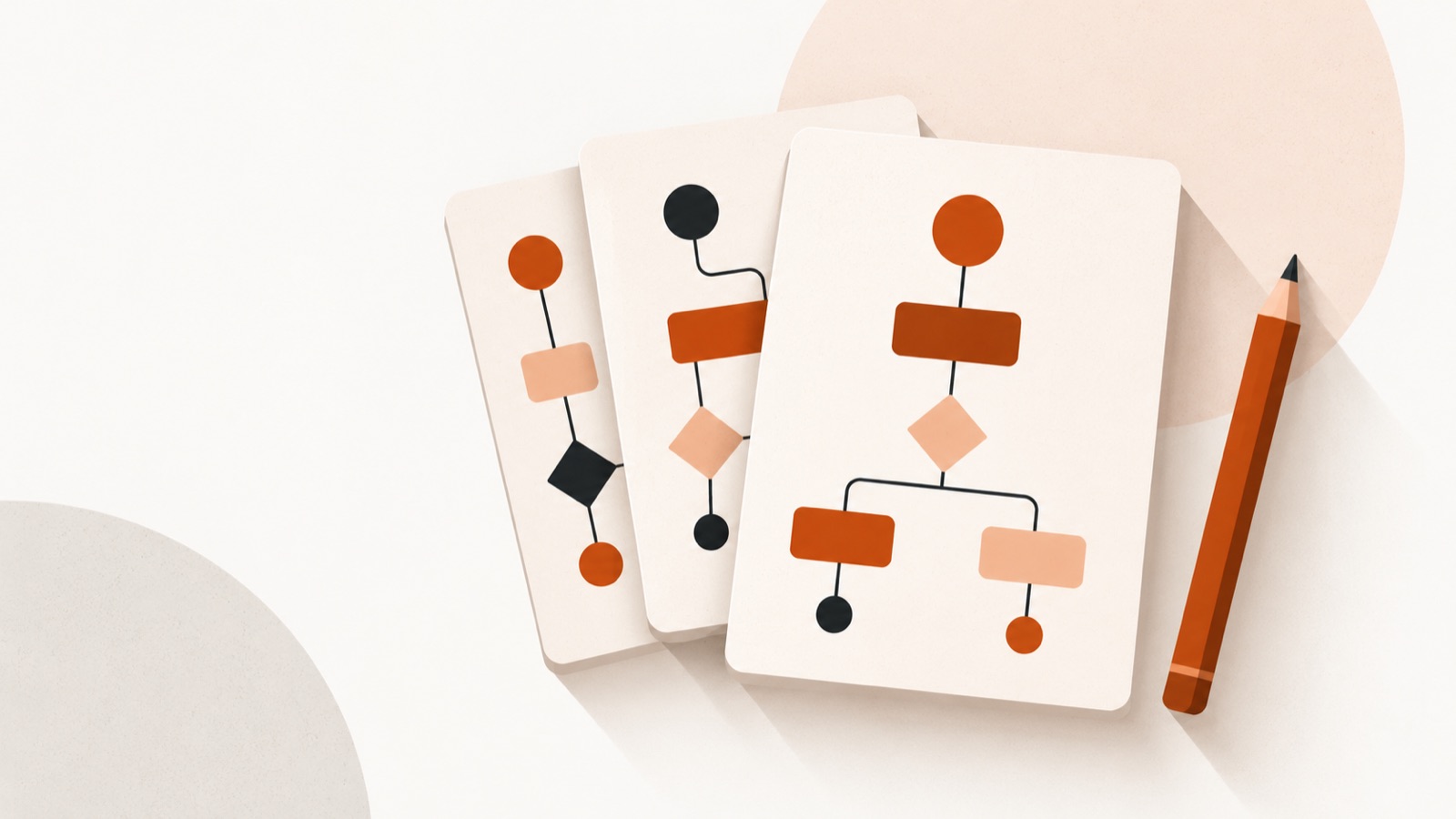
The diagram shows what the caller hears and where each choice leads. The count is the number of keypad selections from the first menu to that destination; a submenu adds another press.
Identify the business, ask for useful callback details, set a realistic expectation.
Next: Take a voicemail; emailed with the MP3 attached, transcript to follow
| Caller destination | Key sequence | Keypresses | Route in this example |
|---|---|---|---|
| Default route | No keypress | 0 | Take a voicemail; emailed with the MP3 attached, transcript to follow |
Original script wording
Replace the shaded fields with details your callers need. Do not read them aloud as written. Word count and duration are calculated from each script; spoken time is estimated at 150 words per minute, so pauses and keypad instructions may make the spoken greeting longer. Auto Attendant reads your wording in a text-to-speech voice; you type the words rather than recording them.
General · 37 words · about 15 sec at 150 words per minute
You have reached Business name. We cannot take your call right now. Please leave your name, the best number to reach you and a short message after the tone. We will return your call realistic response window.
Shaded text is a fill-in field: replace it with your own.
A worked example
Illustration: a two-person design studio records the general greeting with a window of “within one working day”. The studio’s voicemail transcript arrives in a shared inbox that both partners watch. The partner who reads a message first replies “got this” to the other, so only one person calls back. After a month they notice most messages come at lunch and shorten the window to “by 3 p.m. the same day” for calls before noon.
The failure case is a greeting that gives three alternative phone numbers, an address and a long apology. Callers hang up before the tone, and the business loses the message it was trying to capture.
Timing, options and common mistakes
Choose a ring timeout that gives the receiving phone a fair chance to answer without keeping callers waiting. A 20-second trial is a general starting suggestion, not a product setting.
For a closed-hours mailbox, replace “right now” with the next opening time.
- Do not promise a callback window the team cannot meet.
- Ask for the callback number even when caller ID is usually available.
Say the option before its key, put the most frequent caller need first, and repeat the key choices at the end. A practical starting point is no more than about four top-level options: callers must listen, remember the choices and select one. Use a submenu for a less common branch rather than making every caller hear every detail.
For a full routing walkthrough, see call routing and menu design. An Auto Attendant menu has up to seven options; each rings up to three phones in turn, takes a voicemail or plays a message. The menu can be in English, French or Spanish. Voicemails are emailed in the business’s chosen language with the MP3 attached, followed by a transcript in the language of the message.
Standards and rules behind it
Voicemail is a recording left by a caller who knows they are leaving a message. Federal law permits recording where a party has consented 1, but some states require all parties to agree 2, so a business that also records live calls should apply the stricter rule. This service does not record live calls.
Customers who are deaf or hard of hearing may use relay services to leave messages, and the ADA’s effective-communication principle applies to businesses open to the public 3. A relay operator may take longer to relay a message; the Federal Communications Commission’s standards require the operator on certain relay calls to stay with the call for a minimum of ten minutes 4, so do not cut off a message after a short pause. The statute that established relay services is 47 U.S.C. § 225 5.
This is general information, not legal advice. Rules differ by state and change; confirm anything that affects your business with the source or an adviser.
Test it before you publish it
- Open with the business name and say what to leave.
- Promise a response window that holds on a bad day.
- Name who reads the inbox and who replies.
- Listen to the greeting on a mobile speaker before you publish it.
- Check that voicemail transcripts reach more than one person.
Related templates and guides
- Overflow when nobody answers: call-flow template
- Role mailbox greeting: call-flow template
- After-hours greeting: call-flow template
- One-person office: call-flow template
- Law firm: phone menu guide
- Photography or events studio: phone menu guide
- Salon or barbershop: phone menu guide
- Call routing and menu design
- Missed calls and what they cost
- Business phone glossary
Further reading
Longer research pieces on this topic, each with its own source list and a downloadable PDF.
Articles on this topic
Sources
Every regulatory and pricing claim on this page links to the primary source it came from. Figures were checked on the date shown at the top of the page; rules and prices change, so verify before relying on one.
- 18 U.S.C. § 2511, Interception and disclosure of wire, oral, or electronic communications prohibited (one-party consent exception). Retrieved 14 Oct 2026
https://www.law.cornell.edu/uscode/text/18/2511 - Reporters Committee for Freedom of the Press, Reporter’s Recording Guide (state-by-state recording consent laws). Retrieved 14 Oct 2026
https://www.rcfp.org/reporters-recording-guide/ - ADA.gov, ADA Requirements: Effective Communication. Retrieved 14 Oct 2026
https://www.ada.gov/resources/effective-communication/ - 47 CFR § 64.604, Telecommunications Relay Services mandatory minimum standards. Retrieved 14 Oct 2026
https://www.law.cornell.edu/cfr/text/47/64.604 - 47 U.S.C. § 225, Telecommunications services for hearing-impaired and speech-impaired individuals. Retrieved 14 Oct 2026
https://www.law.cornell.edu/uscode/text/47/225